Pixellect, a free Photoshop-like editor for macOS
A native macOS image editor with layers, effects, PSD support and an AI agent that works in your layers
Today I’m releasing Pixellect, a free Photoshop-like image editor for macOS.
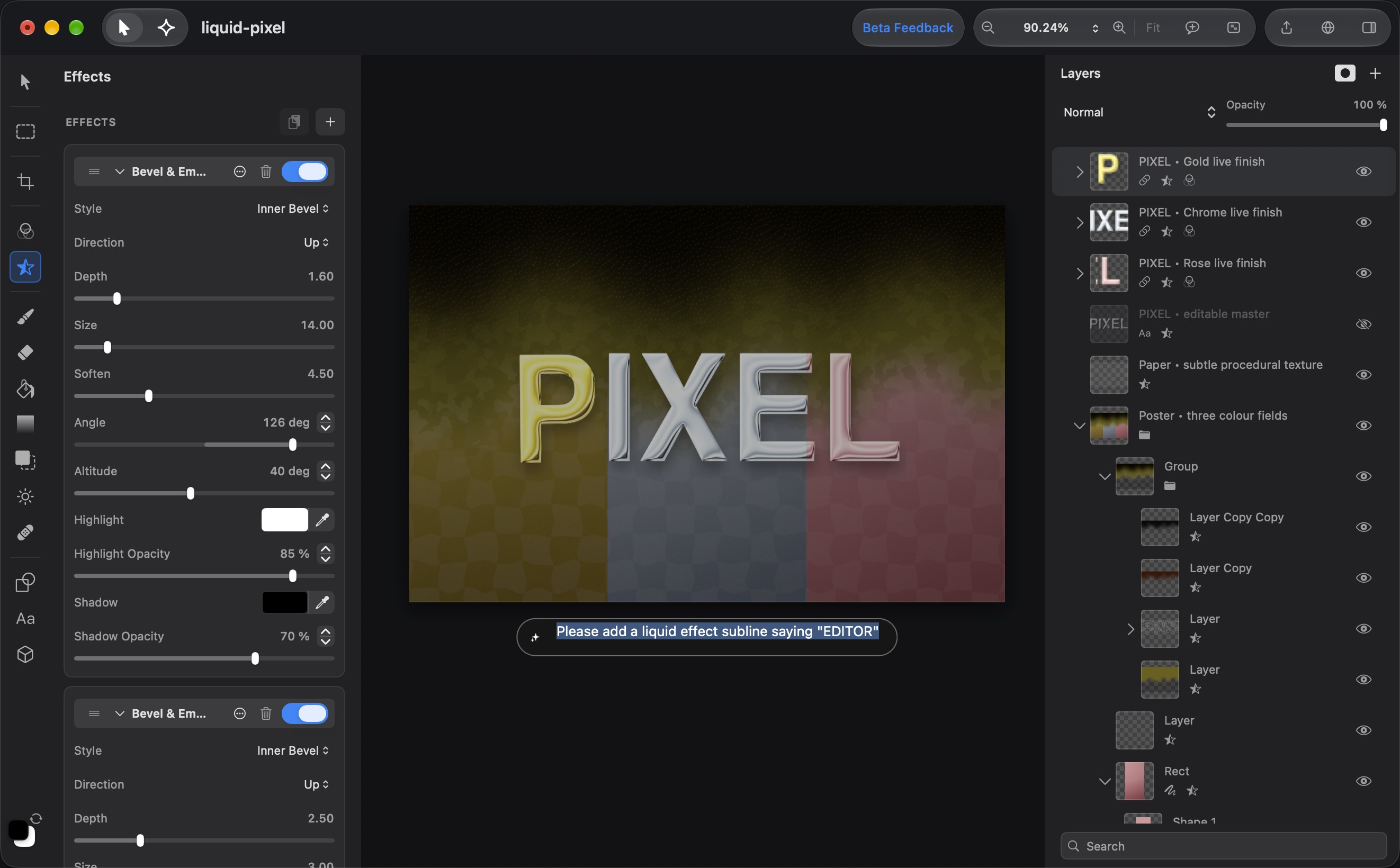
I’ve been working on this for quite a while now. It contains almost every Photoshop feature I care about: pixel, text, vector, adjustment and effect layers, masks, layer styles, 21 blend modes, 36 effects, curves, levels, LUTs, a clone stamp and healing brush, a Bezier pen, warp and perspective transforms. It also opens and saves PSD files, so you can move your existing work over. You can even import your .abr brushes.
The part I’m most excited about is the AI agent. You describe what you want and the agent builds the layout, changes the text or adjusts the image for you. The important thing is that it does this in your layers. It doesn’t just spit out a flat image that you then have to fix by hand. Every change the agent makes shows up in the layer tree, you can undo it, and you can continue editing by hand or by chatting with it. I found this to be a much nicer way of working than the usual “generate, regenerate, regenerate” loop.
The editor and the on-device AI features (subject selection, segmentation and so on) are free. The cloud features, such as the agent and generative image editing, need one of the optional subscriptions, since running these models costs money.
Pixellect requires an Apple Silicon Mac. You can download it here. It is still a 0.9 release, so there’s the one or other bug. Give it a try, I would love to get feedback!